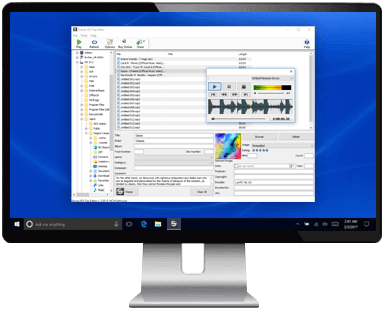
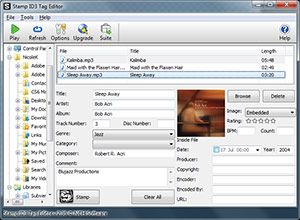
Stamp ID3 Tag Editor Edit Mp3, WAV or OGG Tags and Update Song Metadata  Edit Existing MetadataFix incorrect information  Add New TagsOrganize your digital collection  Edit File GroupsAssign common tags at one time  Supported FormatsEdit WAV, MP3 and OGG tags 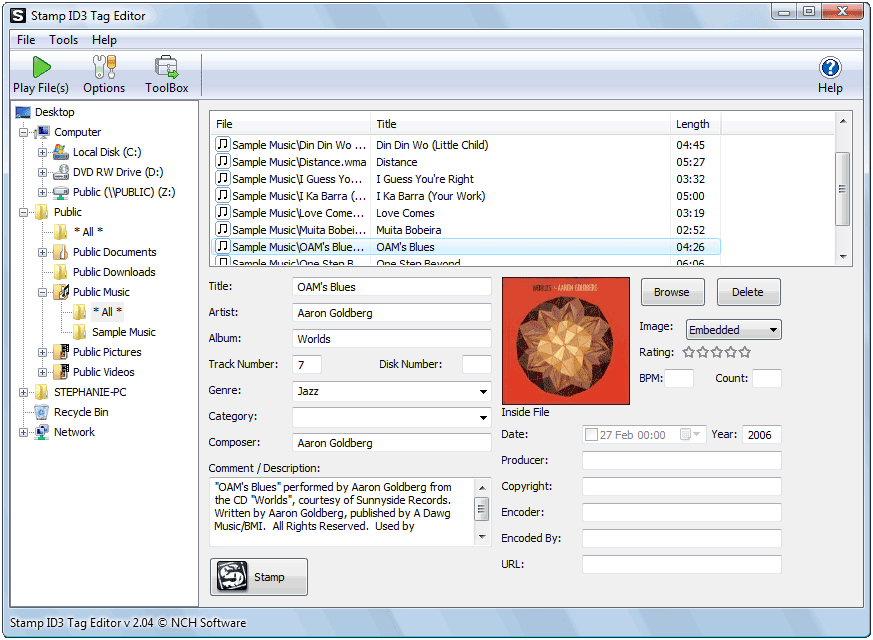 Stamp ID3 tag editing software is an audio tag editor program for Windows. - Add tags including genre, artist and year to your music
- Organize your music collection using ID3 tag metadata
- Small download under 500k installs in seconds
Use Stamp to organize all the music files you have gathered over the years. Editing the tags enables your Mp3 player to show details such as artist and title, or sort by genre. Stamp mp3 tag editor is designed to be easy and intuitive to use. Just add the files you want to edit to the list, enter the new information, and then click the stamp button. Get it Free. A free version of Stamp is available for non-commercial use only. If you will be using Stamp at home you can download the free version here. |
Tag Editor Features - Add or edit tag metadata, including genre, title, artist, album, year, track number and more
- Add your own comments to a music file
- Edit wav, mp3 and ogg music file metadata
- Play files before editing file information
- Supports multiple file editing
- Clear all tag information on multiple files in one step
- Easy and intuitive to use
- Edited ID3 tags are compatible with iPods, iPhones and Android devices
- View the music metadata in iTunes, Google Play or audio editors, such as WavePad
- Integrates with Switch Audio Format Converter to normalize and convert over 40 formats to mp3 before adding tag information
Typical Applications - Organize tracks in software applications such as WavePad Audio Editor, WinAmp, iTunes and more
- Display track information on portable devices such as iPods, PSP and phones
- Set a genre for multiple tracks at one time
- Apply individual ID3 tags to audio files converted from vinyl LPs & cassette tapes
System Requirements Download Stamp ID3 Tag Editing |