








NCH Swift Sound Home
Home | Download | Purchase | Support | Products | SiteMap  

MixPad Audio Mixer

Multi-track MP3 and audio mixing software

MixPad is a powerful, no-fuss multi-track mixing software designed for professional audio production. Designed to have all the features you need without the clutter, MixPad lets you mix multiple audio tracks together quickly and easily. You can also record your own audio tracks using MixPad's high quality audio recorder.

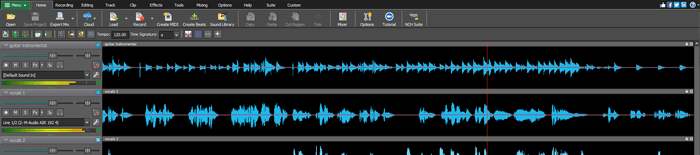
MixPad audio mixer software is very easy to use. Simply load your audio files to the clip manager, or record your own clips using the 'Record Clip' feature. You are then ready to drag and drop your clips onto the timeline where you will see MixPad's powerful audio mixing capabilities come to life! Create your own music mix, remix or soundtrack.

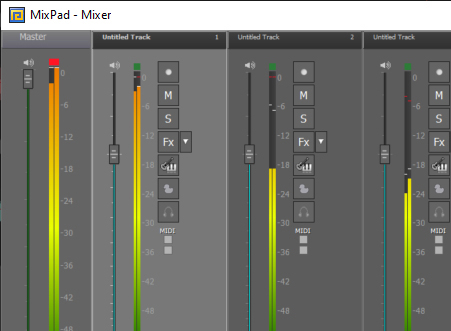
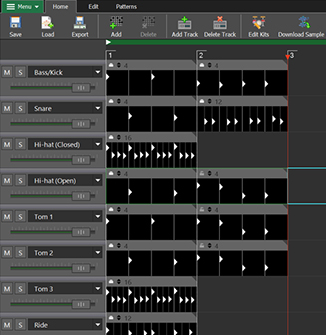
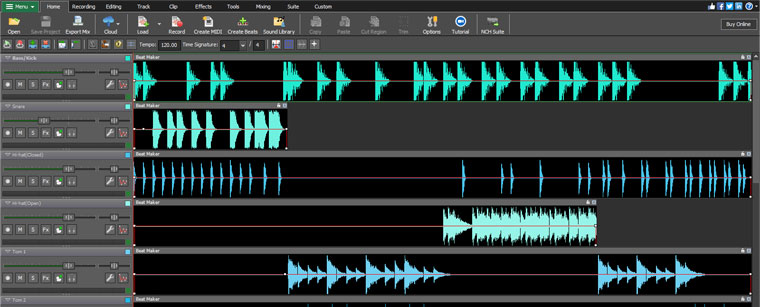
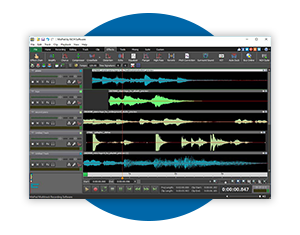
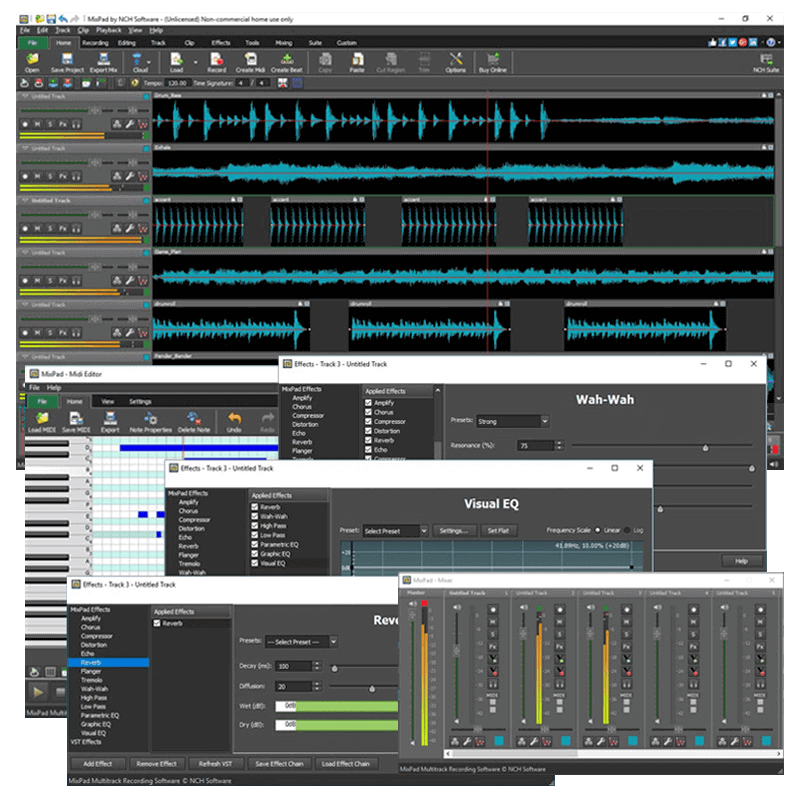
Using the intuitive project cursor to navigate along the waveform, MixPad music mixing software allows you to accurately add fade points to adjust the volume, pan the audio or fade in or out. The track control area allows you to mute or 'solo' a track, add effects, or record new clips.

Track Control Area

MixPad is the digital replacement of using a multitrack recorder and mixing desk. Designed with the professional sound engineers in mind, MixPad is also suited to audio enthusiasts who enjoy mixing their own music tracks. Designed to be very easy and intuitive to use, MixPad will have you blending unlimited audio tracks within minutes. A full list of MixPad’s features follow but a quick way to try it out is to download and install now. MixPad works perfectly with our WavePad Sound Editing Software for Windows. WavePad can run on the same computer running MixPad to do any cutting or editing on a single track.

Download MixPad Audio File Mixing Software Download MixPad Purchase MixPad

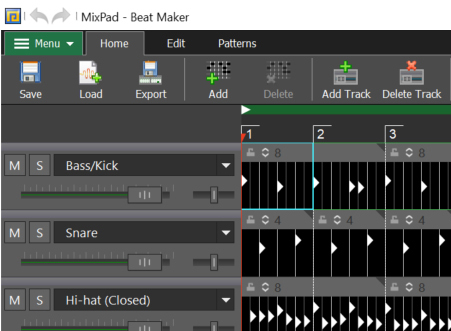
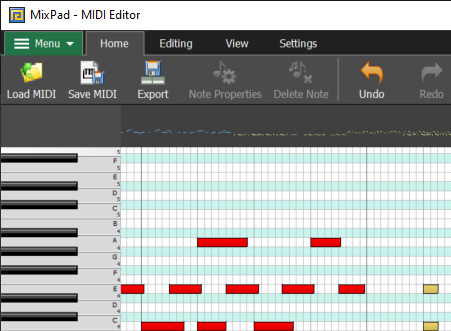
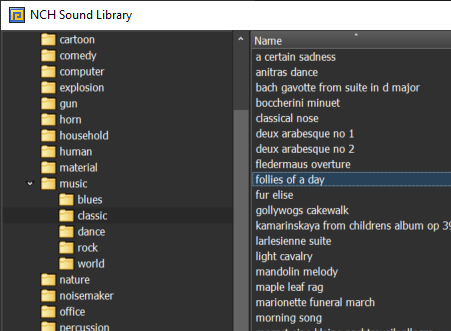
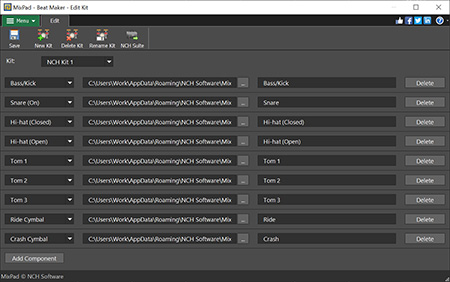
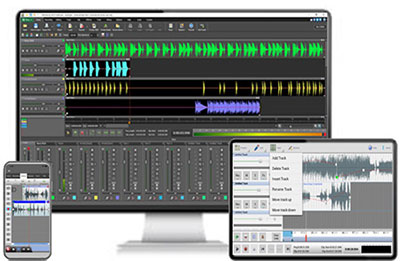
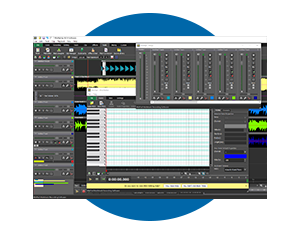
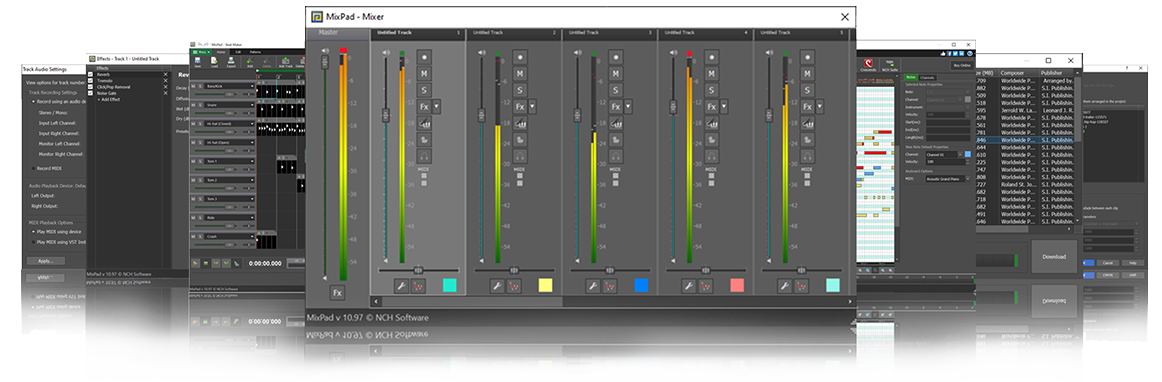
MixPad Audio Mixing Software screenshots

More Screenshots >>>

Features
  • Unlimited track mixing lets you mix 100+ clips at once.
  • Intuitive, simple graphical interface has all the features you need without the clutter.
  • Supports a number of file formats including wav (multiple codecs), mp3, vox, gsm, real audio and more.
  • Drag and drop files from your desktop or folders easily to Mixpad.
  • Manage your clips in the Clip Manager.
  • Mute a single track or set it as 'solo' (will mute all other tracks).
  • Add effects to individual tracks, including echo, reverb and distort.
  • Record new clips to a track using MixPad's superb quality audio recorder.
  • Use more advanced editing tools for your recordings using the seamlessly integrated WavePad sound editor.
  • Mix tracks for Zulu Professional DJ software.
  • Includes a CD ripper to load audio direct from a CD-ROM.
Typical Applications
  • Mix music and record vocal tracks for professional audio production of songs.
  • Create a music mash up of your favorite tracks.
  • Produce soundtracks for slideshow software.
  • Create audio presentations for broadcast interviews or commercials for online broadcasting software.

System Requirements
  • Windows 95 / NT4 / 98 / 2000 / Me / XP / 2003 / Vista.
  • Sound support on your computer.
  • CD burner [optional]

Download Audio Mixing Software
MixPad can be downloaded by clicking on one of the following links: Once download is complete run the file "mpsetup.exe" to install MixPad. When the file has installed, please select Help to view (or print) the complete manual.

 
MixPad Audio Mixer
Introduction
Features
Screenshots
System Requirements
Download Now
 - zip
 - exe
Pricing & Purchase
Questions (FAQs)
Technical Support
 
 
Related Software
Audio Editor Software
Professional DJ Software
CD Ripper
CD/DVD Burning
Sound File Converter
Audio Streamer
Audio Stream Recorder
Vinyl to CD Converter
Guitar Tuner
Metronome
Music Transcription
Audio File Splitter
ID3 Tag Editor
Voice Recording Software
Tone Generator
More Audio Software...
 
 
Related Hardware
USB Electric Guitar
Professional Headphones
Computer Headsets
Computer Microphones
 
Related Software
MixPad Audio Mixing Software is just one component of the NCH Swift Sound suite of audio software. You may also like to try WavePad Audio Editor or RecordPad Sound Recorder. If you have not done so already, please visit our Business Audio Software Page for your free download of these and many more software titles.

More Information...
For more information on MixPad Multi-track Audio Mixer see:
Other NCH Swift Sound Titles
  © NCH Swift Sound Top | Home